Business Management
EndoGusto, our endurance coaching platform, includes integrated payments, a branded subdomain, and the capacity to add coaches, to streamline your business overhead as you grow.
Step Up Your Coaching Game. Try EndoGusto for 30 days

Grow your coaching business
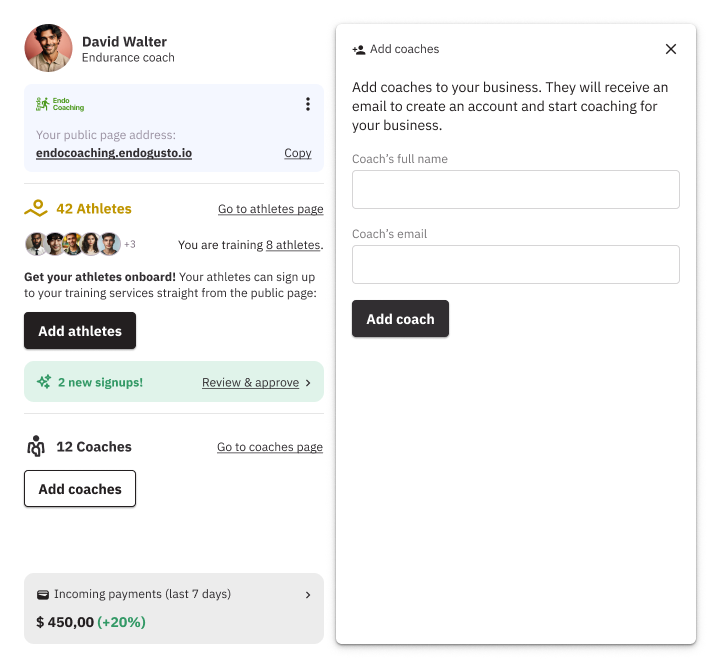
Add Coaches
Add coaches to your business and train more athletes
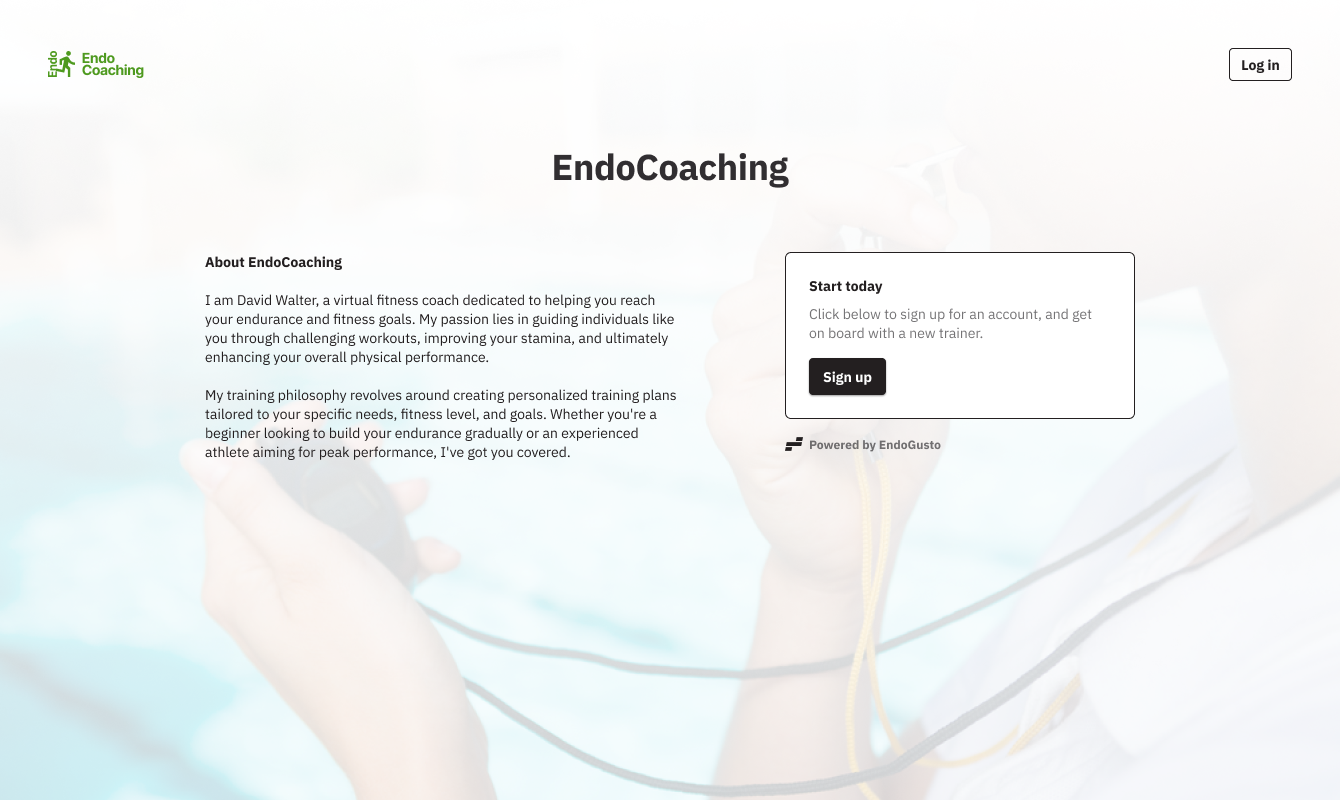
Personalized Portal
Athletes access your coaching services through a personalized portal

Let’s take your clients to the next level together.
Step Up Your Coaching Game
Integrated Payments
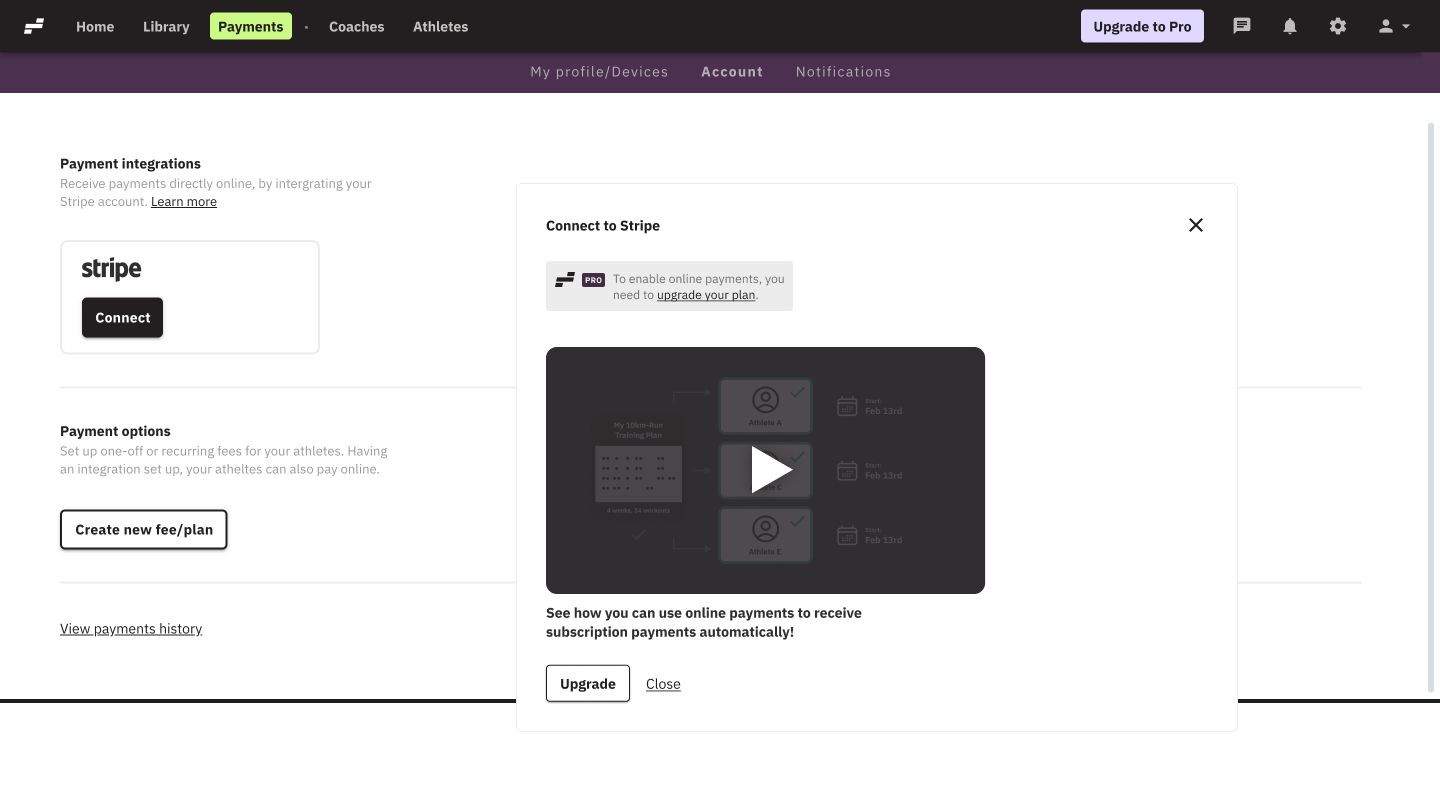
Receive athletes’ payments
With a Stripe integration, you can receive payments from your athletes directly to your personal bank account
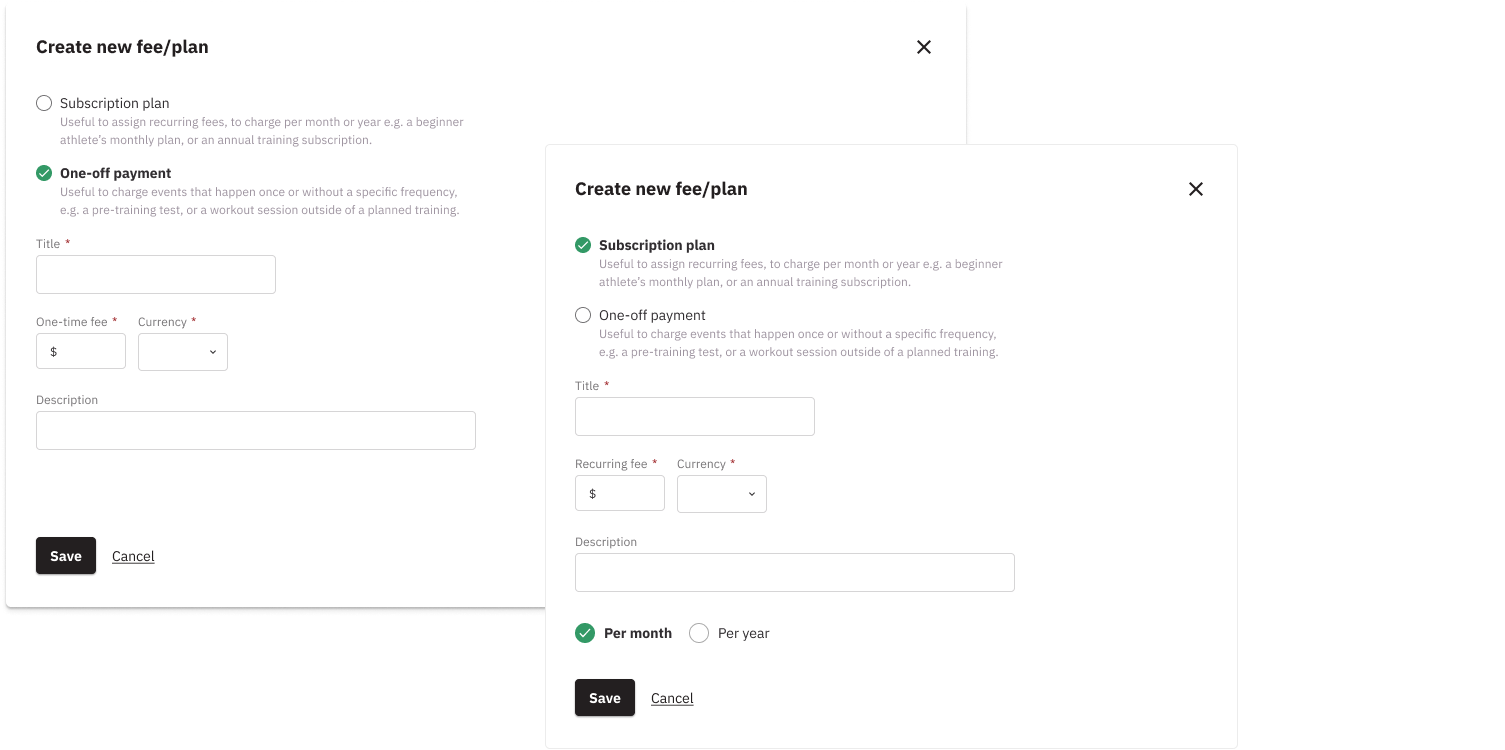
Create your payment plans and one-off fees
Create recurring billing plans or one-off plans specific to your business needs
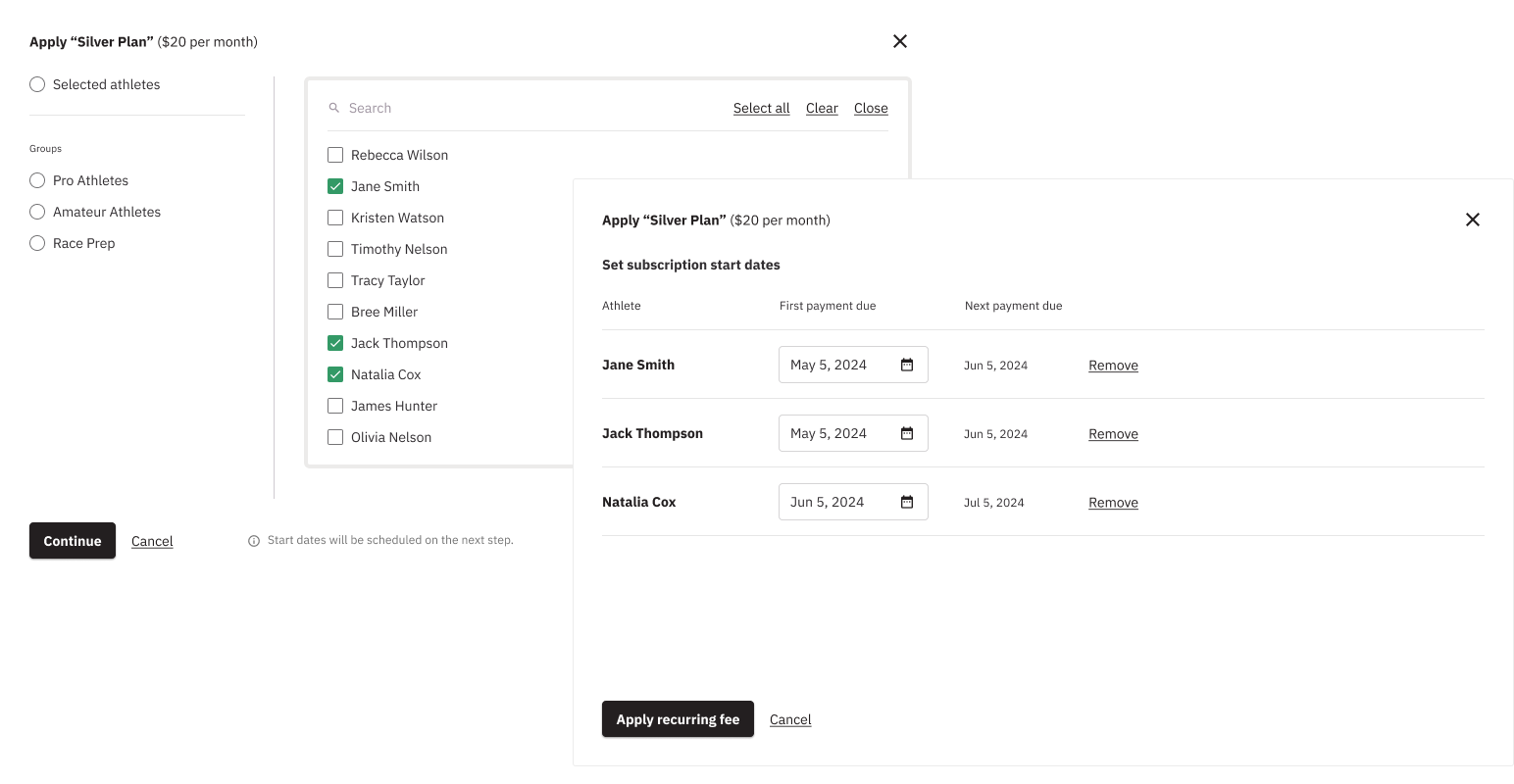
Apply payment plans to individual athletes
Apply personalized payment plans to individual athletes, or groups of athletes, depending on the level of service they have purchased from you
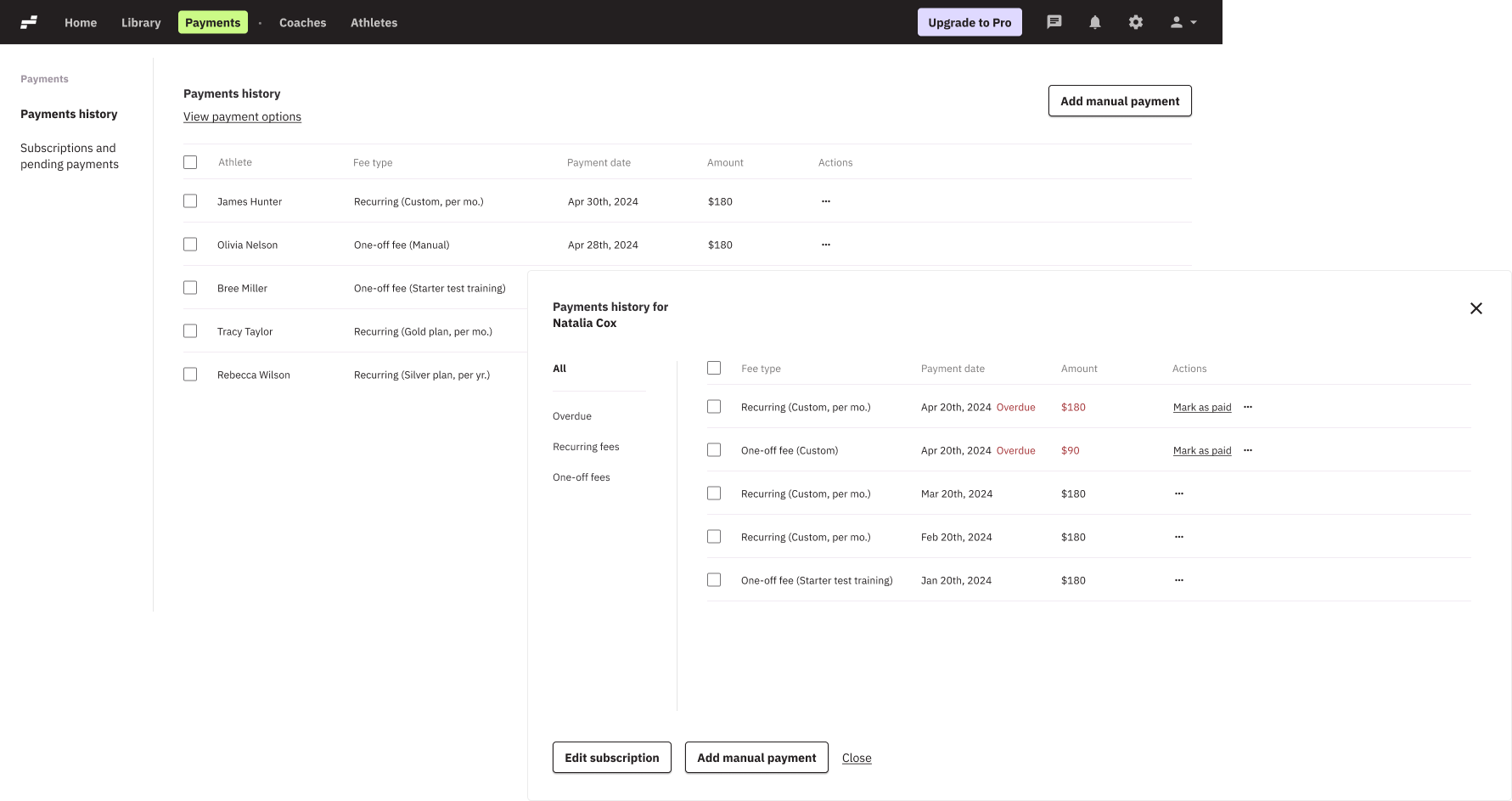
Keep track of payment history
Monitor payments received, overdue payments, and upcoming payments to stay on top of your income
Athletes Management
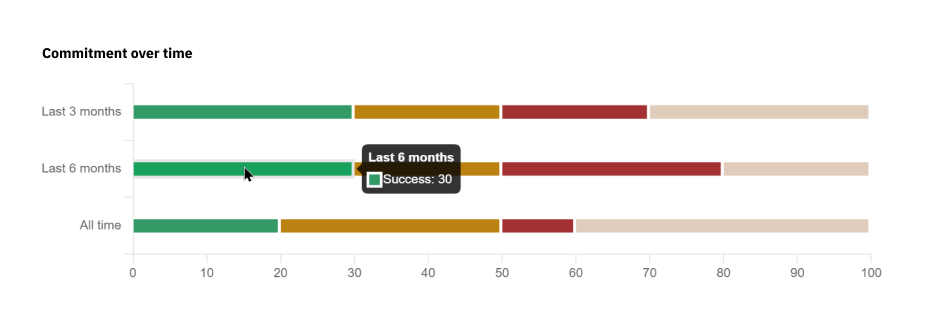
Track athlete commitment over time
Insights on each athlete’s commitment to the training plan (completed, partial, unplanned, not completed)
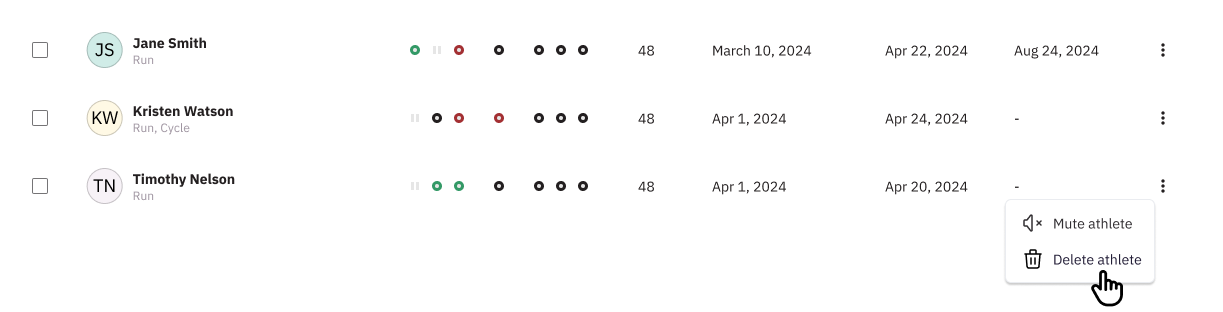
Mute inactive athletes
Mark athletes as inactive if they are on a break and stop receiving notifications until you are ready to reactivate them with a click!
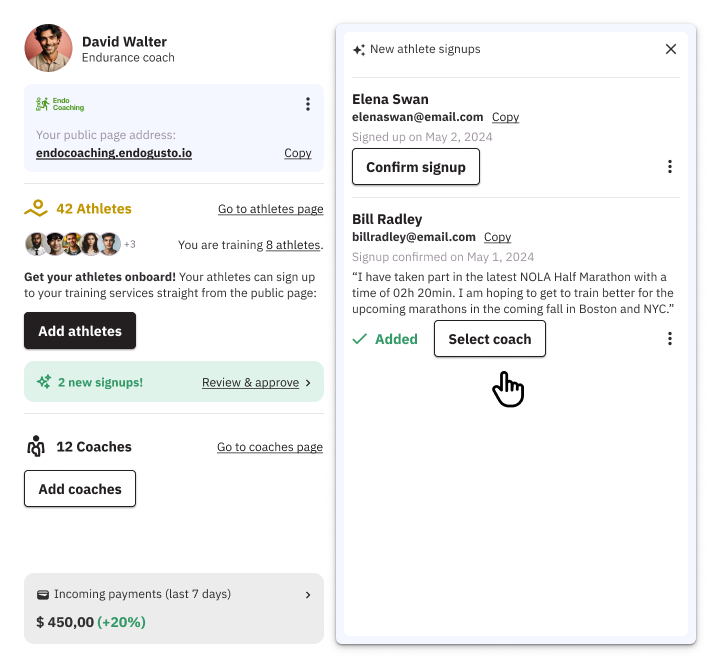
Assign athletes to coaches
Choose which coach of your business will train each athlete or coach them yourself

Let’s take your clients to the next level together.
Step Up Your Coaching Game
Communication Hub
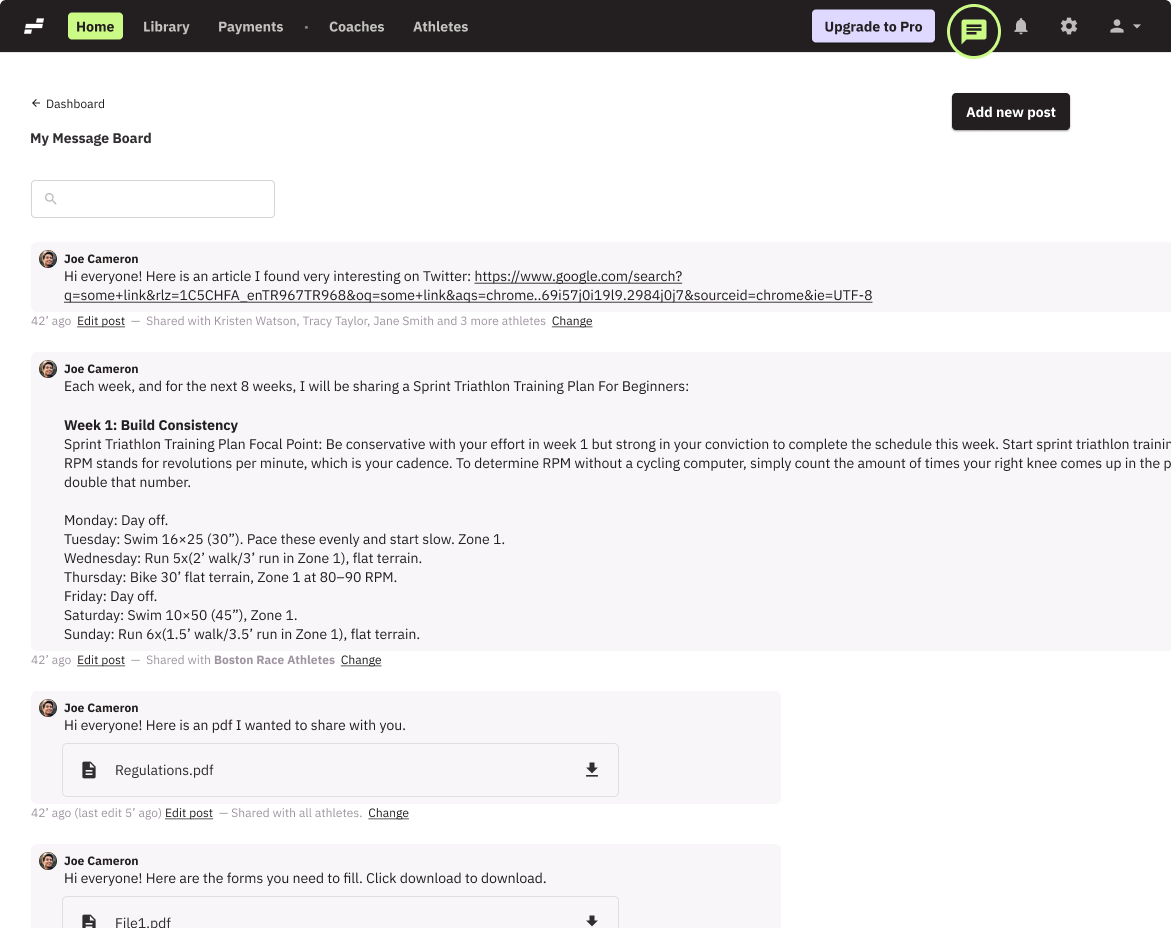
Centralized message board
Share material, post links, and make announcements across your business or to specific athlete groups, as needed.
Frequently Asked Questions
Can I import my athletes from another platform?
Yes — our support team can help import your athletes and training data from other platforms or spreadsheets for you. We handle the process manually to ensure all your information is transferred safely and accurately for a smooth transition to EndoGusto.
Can I manage multiple coaches or assistants under one account?
Yes — EndoGusto supports multi-coach setups so you can collaborate and manage your coaching team efficiently.
How can I manage my coaching business and payments in EndoGusto?
You can assign payment plans and manage your payments in the Payments section.
How do I add a new athlete to my roster?
From the Dashboard, click Add Athlete, and fill in their name and email and they will be automatically added to your roster.
How do I remove or deactivate an athlete from my team?
On the Athlete tab, select the athlete and choose delete athlete.